Reduce Image Size In KB
Compress an image to 20KB, 50KB, 100KB, 200KB, or any other size.
KB
Download Image
Compress an image to 20KB, 50KB, 100KB, 200KB, or any other size.
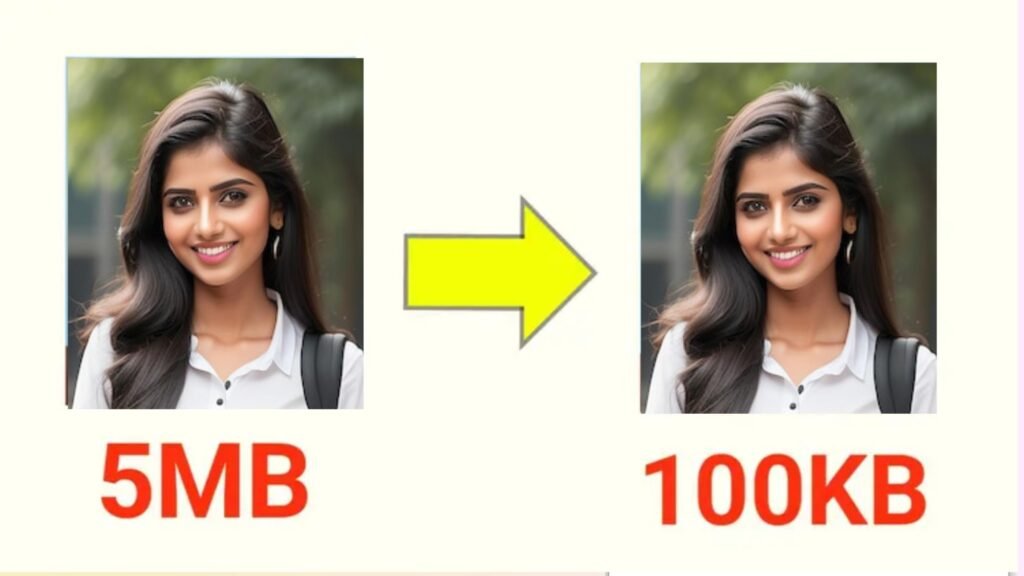
jpg resize ; In today’s digital world, images are an essential part of every website, blog, and social media platform. However, large image sizes often create problems such as slow website loading speed, heavy storage usage, and difficulties in uploading. To solve these issues, our Image Resizer Compressor Tool has been designed with a simple yet powerful interface. This tool helps you reduce the size of images from megabytes (MB) to kilobytes (KB) within seconds, without losing much quality.
If you are a blogger, student, job applicant, or business owner, you often need to upload images with specific size requirements like 20KB, 50KB, or 100KB. Manually reducing the size using complicated software can be time-consuming. With our online tool, you only need to upload an image, select the target size in KB, and download the optimized image instantly.
1. User-Friendly Interface
The tool has a clean and modern design with a professional blue-and-white theme. Even a beginner can easily understand and use it. All the important options like upload, compress, and download are clearly visible.
2. Custom Target Size
Unlike basic image compressors, this tool allows you to set a target size manually. For example, if you need an image of exactly 100KB, simply enter “100” in the target size box and the tool will adjust the image quality accordingly.
3. Instant Compression
The tool works directly in your browser using smart JavaScript compression logic. It does not require you to install any software. Once you upload the file, the tool quickly reduces its size and shows both original size and compressed size on the screen.
4. Download Option
After compression, you can instantly download the image with just one click. The download button appears only after successful compression, which keeps the interface clean and distraction-free.
5. Secure & Reliable
Your images are processed directly in the browser. This means no data is stored on external servers, ensuring 100% privacy and security.
6. Mobile Responsive Design
The tool is fully responsive and works smoothly on mobile, tablet, and desktop. Whether you are compressing images on the go or from your office system, it adjusts perfectly to the screen size.
7. Navigation Menu
A professional sliding navigation menu is available with links to Home, Usage, and Contact pages. This makes it easier for users to explore more features of the website.
Who Can Benefit from This Tool?
Students – For uploading documents and forms where image size limits are strict.
Job Seekers – To compress photos for online job applications.
Bloggers and Webmasters – To reduce image sizes for faster website loading.
Business Owners – For sharing lightweight images on emails and digital platforms.
Conclusion
The Image Resizer Compressor Tool is a must-have utility for anyone who wants to reduce image size quickly and effectively. With its professional design, custom target size feature, instant download, and mobile compatibility, it is one of the best free tools available online. Try it once, and you will never need complicated editing software again.jpg resize,jpg resize